Layer farm management

Run your layer farm from one pocket-sized dashboard.

Track houses, flocks, daily egg counts, feed, health, sales, and inventory with roles for every person on the farm. Pocket Poultry keeps the records you already keep — without the spreadsheets.
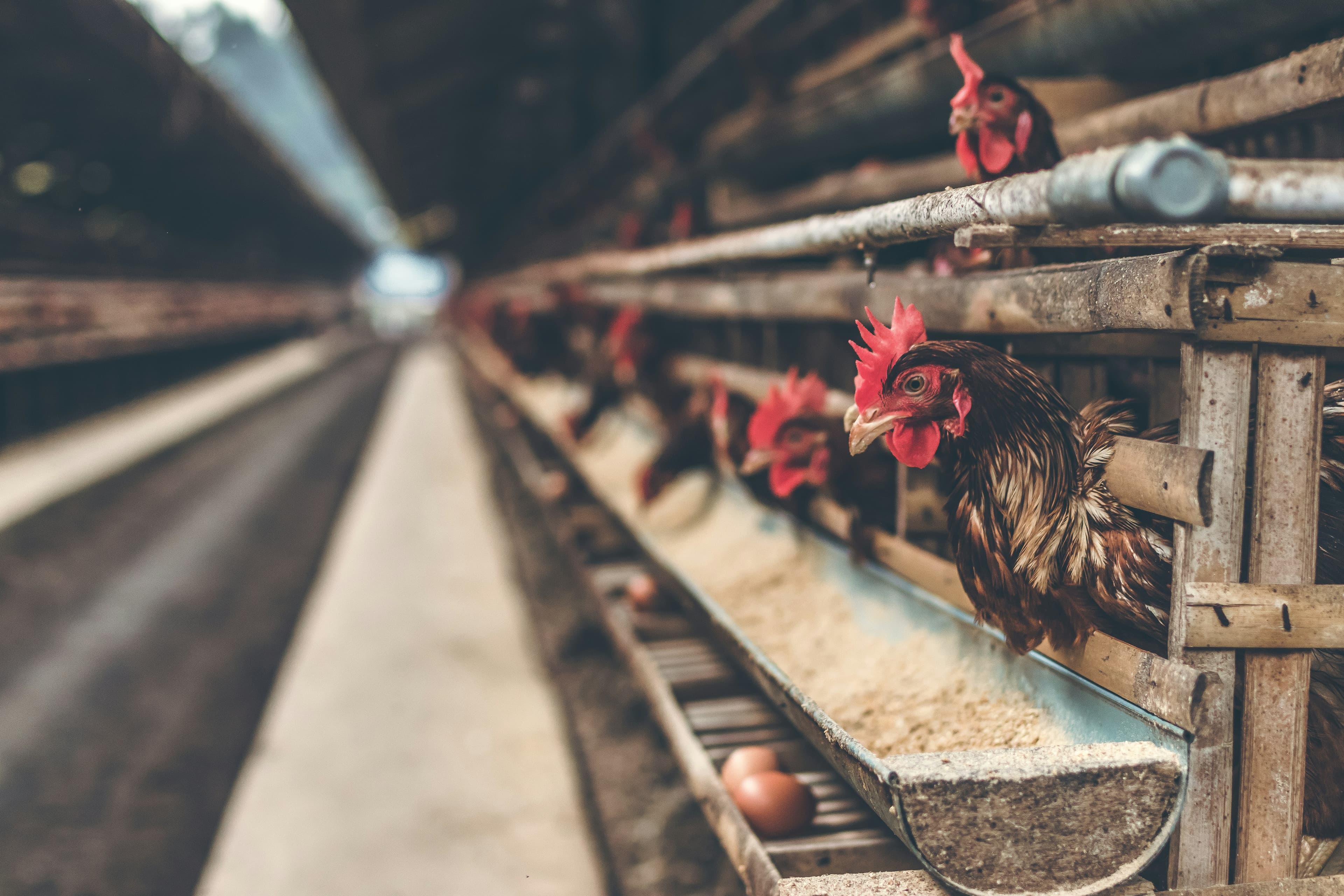
Brown hens in layer cages on a poultry farm

Houses

Buildings and capacity

Flocks

Birds and head count

Eggs

Daily production

Feed

Stock and use

Health

Treatments and notes

Sales

Revenue and costs

Features

Everything you already track, in one farm.

Pocket Poultry is built for layer operations — not broilers, not a generic livestock spreadsheet. Each module maps to a page in the app.

Dashboard
See birds on hand, eggs today, lay rate, houses, and recent mortality in one view.
Houses
Record each building that holds flocks, with capacity you can check at a glance.
Flocks
Track groups of birds, which house they live in, and current head count.
Egg production
Log daily egg counts — including offline in the coop — so lay rate stays visible instead of living in a notebook.
Mortality
Note losses as they happen and export mortality trends by cause and period.
Feed
Keep feed items, purchases, and consumption against the flocks that ate them.
Inventory
Stock farm supplies with optional photos stored for the items you add.
Health
Save treatments, vaccinations, and notes against the flock they belong to.
Sales & expenses
Record egg sales and farm costs so revenue and spend sit next to production.
Import & export
Bring records in or download them when you need a spreadsheet copy.
Members & roles
Invite the team and assign owner, manager, worker, or viewer access.
Offline logging
Workers can record eggs, losses, feed, and health without a signal. Entries sync when the phone is back online.
Notifications
Farm alerts and invitations show up in the bell so nothing waits in email only.

How it works

From signup to the first flock in a few screens.

  1. 01

    Create your account

    Sign up with email, Google, or a passkey. We send a one-time code to verify your email before you continue.

  2. 02

    Set up the farm

    Add your name and phone, create a farm, then optionally add the first house and flock. You can skip those and fill them in later.

  3. 03

    Invite the team

    Owners send invitations with a role. Managers, workers, and viewers only see and edit what that role allows.

Who it’s for

One farm, four roles.

Access follows the same roles the app enforces after you invite someone: owner, manager, worker, and viewer.

Owner
Full control of the farm: members, invitations, and every record. This is who creates the farm.
Manager
Run day-to-day operations — houses, flocks, production, feed, health, sales, and inventory.
Worker
Log eggs, feed, health, and inventory. Houses, flocks, and sales stay read-only.
Viewer
See farm records without changing them. Useful for advisors or owners who only need a look.

FAQ

Questions before you sign up.

Ready to run your farm?

Create an account, set up your first farm, and start logging eggs the same day. No paid plan is published — the product is the software described on this page.

Create free account